Now live on the Chrome Web Store

Your phone.
A remote for Slides.

cliko turns the thing that's already in your pocket into a slide clicker for Google Slides. Swipe or tap — no app, no Bluetooth, no pairing dance.

Free forever. No account. No sign-in. No weird permissions.
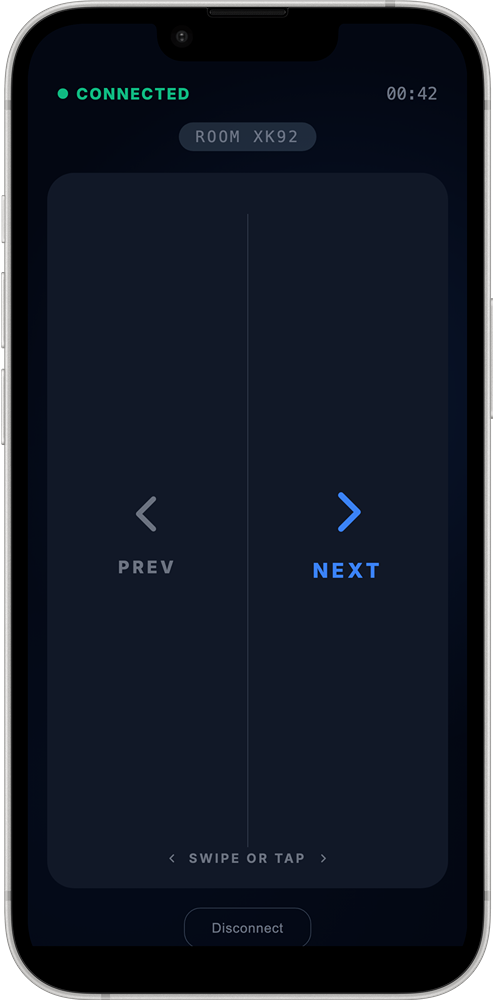
cliko remote controller on a phone
Where it lives

Right in your browser.
Right next to your slides.

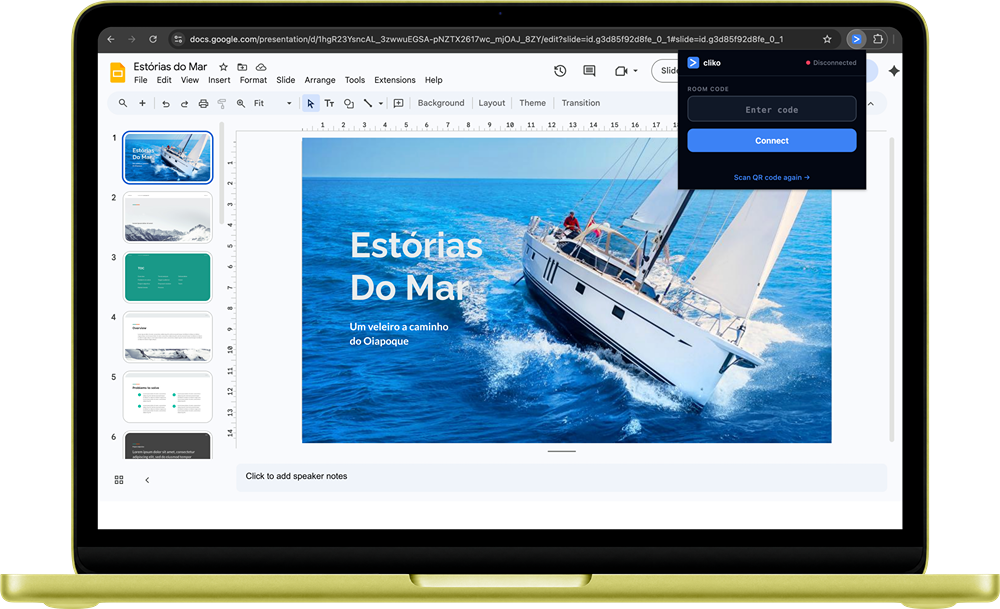
cliko shows up as a tiny popup in Chrome with a QR code. Scan it with your phone and you're paired — the whole thing takes less time than finding your clicker.

cliko extension running alongside Google Slides
How it works

Three steps. No setup.

From "I should start" to "I'm presenting" takes about fifteen seconds. Pin, scan, swipe.

1

Pin the extension

Open your Google Slides and click the cliko icon in Chrome. A QR code appears.

2
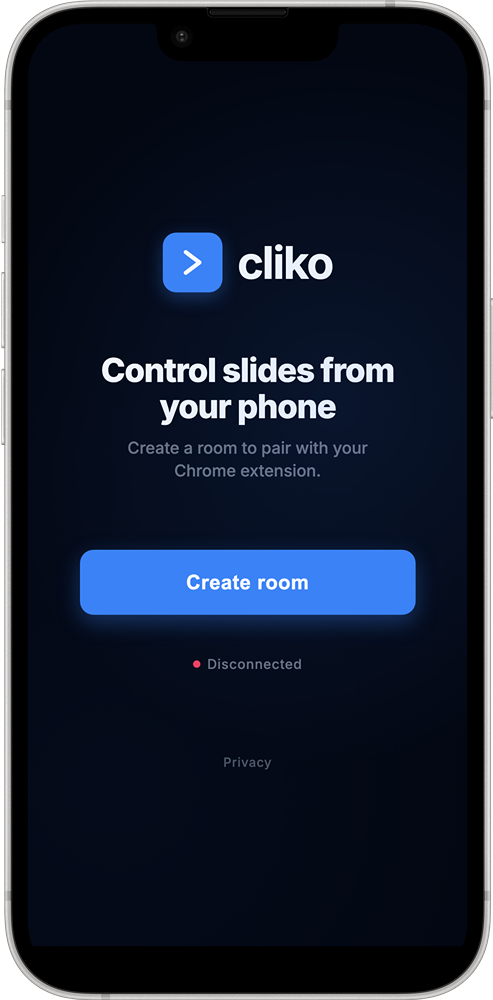
cliko Create room screen on a phone

Scan it with your phone

Your phone opens vinicius.pm/cliko. Tap one button. A room is born.

3
cliko remote controller on a phone

Swipe or tap

Swipe left for next. Right for back. Or tap either side. That's the whole thing.

Tiny thing, big energy

Small details that actually matter.

Gesture control

Swipe to advance — or tap left/right. Distinct haptics for each direction so you feel the move.

No app on your phone

Works in any modern mobile browser — iPhone, Android, whatever. Zero installs on the phone side.

Instant pairing

Scan the QR, create a room, done. No Bluetooth, no hardware, no "is it connected?" energy.

Private by default

Your slides never leave your browser. Room codes expire the moment you disconnect.

Obsessed with the details

Every swipe,
hand-tuned.

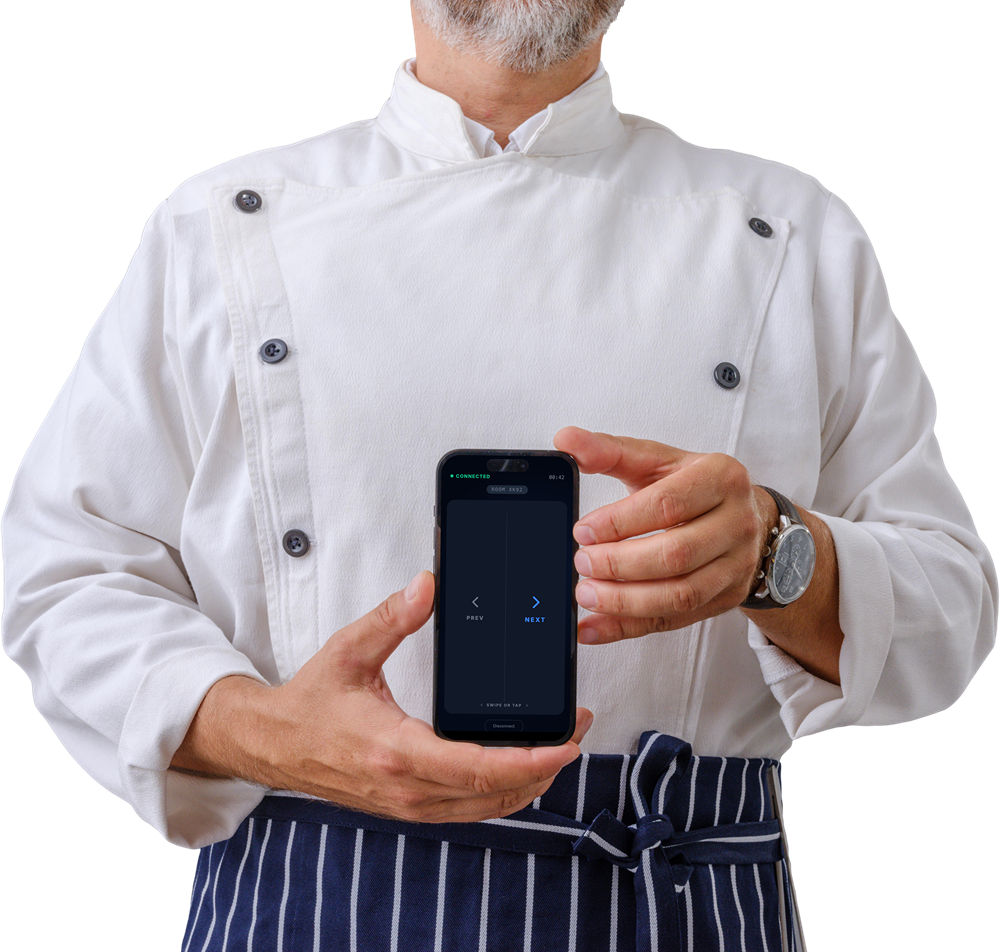
Each tap, reduced to its essence. Haptics distinct for next, distinct for back. We treated the sliding experience like a dish — carefully, obsessively, from scratch.

Bon appétit. 🫴
Chef holding a phone running cliko

Ready when you are.

Pin the extension, scan the QR, and present like you've always had this. Because now you do.